Block Controls
Code Editor
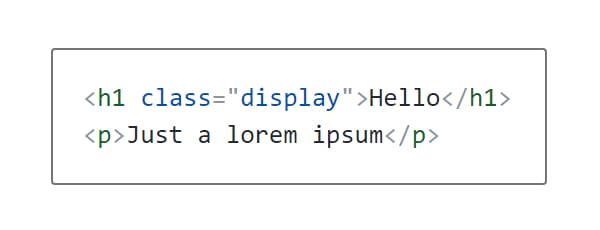
Code editor control lets you add and edit code snippets with syntax highlighting support.
Control Settings
- Language - Select syntax highlighting language (JavaScript, PHP, Ruby, etc.)
Usage
<div>
  <?php echo $attributes['control_name']; ?>
</div><pre>
<?php echo esc_html( $attributes['control_name'] ); ?>
</pre><div>
{{{control_name}}}
</div><pre>
{{control_name}}
</pre><div>
<?php echo get_lzb_meta( 'control_meta_name' ); ?>
</div>