Range
Range control provides a slider for selecting numeric values within a defined range. Perfect for settings like opacity, columns count, or padding.
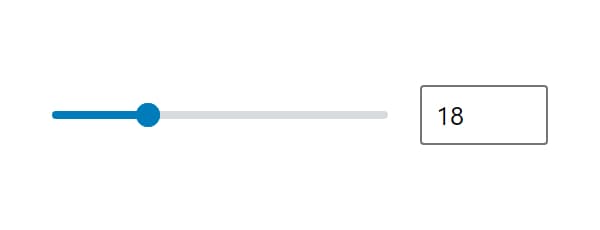
Control Settings
- Minimum Value (
min) - left end of the slider - Maximum Value (
max) - right end of the slider - Step Size (
step) - distance between two slider stops
All three are empty by default. An empty end leaves the slider with no limit there, and an empty Step Size moves it in whole numbers. The Minimum Value and Maximum Value fields in the block builder carry the Step Size as their own step, so set it first when the ends are fractional.
Usage
<div style="opacity: <?php echo esc_attr( $attributes['control_name'] / 100 ); ?>">
  Content with opacity
</div><div style="opacity: calc({{control_name}} / 100)">
Content with opacity
</div><?php
$value = get_lzb_meta( 'control_meta_name' );
?>
<div class="columns-<?php echo esc_attr( $value ); ?>">
Content with columns
</div>Common uses for Range control:
- Opacity (0-100)
- Number of columns (1-6)
- Spacing values (0-100)
- Font size (12-72)